
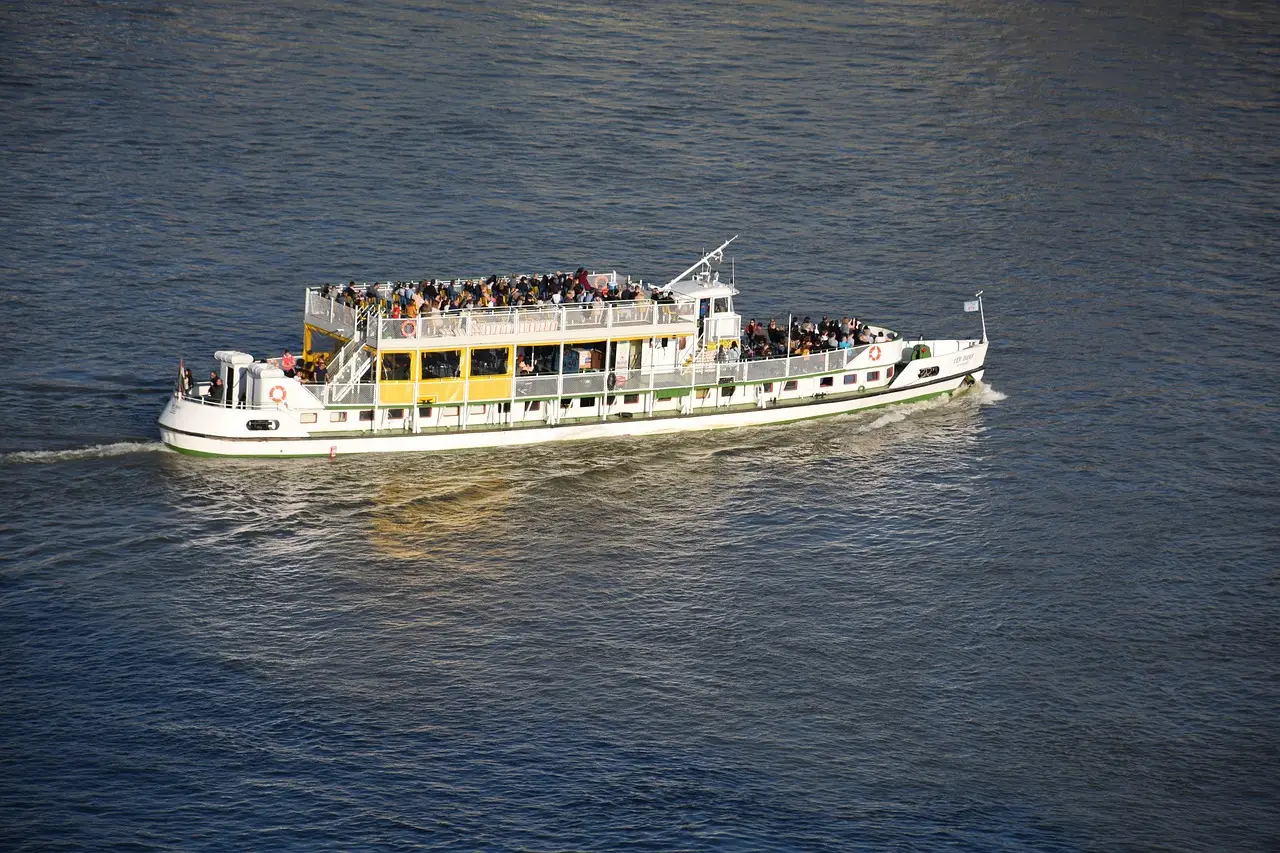
Keep the OTA seats that bring new people aboard, and make your own site easy to find by name. Give returning guests a reason to book there, with a link straight to the departures. To get more tour reservations direct, start with guests who already know your boat.
Say a family rode your San Diego harbor loop last summer. They remember the boat and want to come back. They search your name, find an OTA listing and buy the same trip there again.
You earned that second visit on the water. But the OTA still has the guest. Start with that family when you decide what to fix.
The linked source pages were checked on November 16, 2026.
Keep the OTAs that bring new guests aboard
The 2 pm boarding line can include people who hadn’t heard of your company this morning. An OTA such as Viator may have put your harbor loop in front of them while they planned their afternoon.
GetYourGuide’s supplier page includes cruises among the activities it accepts. Adding and maintaining an activity is free; it charges commission on successful bookings. The rate comes after signup. Expedia Group’s activities page describes distribution across several travel brands from one signup, with compensation discussed by its sales team.
So there are two guests to plan for: the visitor who found you today and the family that already knows your name. The OTAs are good at the first one. The second one should come back to you.
Decide what each booking route should do
| Route | Cost to consider | Job |
|---|---|---|
| OTA listing | Commission; guest relationship | Reach new guests |
| Google Things to do | Free listings; paid ad clicks | Reach cruise shoppers |
| Your Google listing | Time to check links | Catch name searches |
| Your booking page | Software and page upkeep | Book guests directly |
A stranger comparing San Diego cruises has a different starting point from last summer’s guest.
Follow the second person’s route first. Search your name and see whose checkout they reach. If your own listing hands them to an OTA, fix that before you spend time on another offer.
Nine moves to bring the next booking to your site
You don’t need a discount to increase direct tour bookings. With one to five boats, start with work you can finish between departures.
1. Ask your booking company about Google Things to do
Google’s Things to do guidance describes free listings and a separate ad format charged by the click. For a single operator, Google strongly recommends a connectivity provider over a direct integration.
Start with the company that handles your reservations. Ask whether it’s a Google Things to do connectivity partner and what you need to turn on.
Keep your harbor loop page open while you ask. You want an answer about the departure you sell, with the steps needed to connect it. A general feature page doesn’t settle that.
Google’s direct integration instructions involve development requirements and contact with its partnerships team. There’s also a content license agreement and a technical contact to name. Try the provider route before taking on that work yourself.
2. Make your own Google booking link the preferred one
The links already on your Google listing may lead to somebody else’s checkout. Tap each one to see where it goes.
Google’s booking link instructions explain how to add yours. On Search, open Booking; on Maps, open Edit profile. Choose Add link, enter your booking page address and save.
If you have several links, you can mark one “Business preferred.” Google puts that link at the top. Choose your own.
Third-party links can appear without you adding them. Google says you can’t remove those through your profile settings. The provider handles the opt-out, and it has five business days to process the request.
Reopen the links afterward so you know where the next guest will land.
3. Send the link straight to bookable departures
Google’s business link policy requires a verified profile and a dedicated landing page where the guest can complete the booking. It excludes social pages, messaging links, app store links and shortened links.
For your cruise, that means the page where guests choose a departure and finish buying tickets. Skip the Instagram detour.
Someone who searched your name shouldn’t have to work through the whole site to find the harbor loop. Open the link yourself and look for the next departures.
If it lands above a long company history, move the sailing times up. The family coming back already knows why it wants your boat.
4. Try the booking page on your phone, Wi-Fi off
Take your phone outside between the 2 pm and sunset departures. Turn Wi-Fi off and open the booking link from Google.
Time how long it takes to see the next three departures and their prices. Count the taps, too. Make a note of anything that puts the schedule out of reach.
A video or pop-up may be taking the space the departure times need. Move the schedule onto the first screen where you can. The boat’s history can sit farther down.
Now look at the page with the sunset trip in mind. Can you get to that sailing without starting over? Finish this check before you add another reason to book direct.
5. Choose one direct-booking perk the crew can deliver
Read your OTA agreement before you change prices or promise an exclusive offer.
Then pick something that fits an ordinary full departure. A dock photo might work. So might a drink on the sunset trip, if that’s something you already offer.
Think through the boarding line before you promise a choice of upper-deck seat. Who handles it when the boat is full? If the answer needs a long explanation, choose a different perk.
A free date change is another option to consider, with a clear cutoff. Make sure your ticket-window staff know the offer and can honor it.
Once you’ve chosen, describe it in one short line beside the booking button. Say exactly what the guest gets.
6. Use pricing tools only when the offer makes sense
Bokun’s pricing tools page describes different prices by sales channel, including website rates and exclusive rates for OTAs or resellers. Its promo codes can use a percentage or fixed discount. You can set valid dates and apply a code to one experience or the whole site.
Before creating a code, choose the sailing you want it to fill. If the harbor loop needs seats, make the offer about that trip. The sunset departure doesn’t need the same discount.
The same Bokun page describes flexible-value gift cards good on any of your trips, and gift cards for one particular experience. A harbor cruise gift card gives last summer’s family something to buy for a relative. Show the trip it buys clearly, so they can decide without calling the ticket window.
7. Put your own site in the messages direct guests keep
Open the confirmation a direct guest receives. Then read the day-before reminder.
The trip details come first, especially the dock directions. Alongside them, give guests a clear route back to you for a booking change.
The message can also point to future sailings or gift cards. Pick the link that fits that message. A guest looking for the boarding location shouldn’t have to scroll through a sales pitch.
OTA guests are different. Read the platform’s rules and your agreement before sending them anything beyond trip details. Having a way to contact someone about today’s cruise doesn’t settle what you can send about next summer.
8. Give last summer’s guests a reason to return
Take that San Diego family again. They enjoyed the harbor loop. Now relatives are visiting, and they want another afternoon on the water.
An email with the right departures and a direct link gets them back to your page without a detour through a listing.
A few emails a year is plenty, sent when there’s a trip worth mentioning. Sunset departures after the summer crowds might be one reason. Holiday boat parade dates might be another, if you run those trips.
Past OTA guests fall under the same agreement as in step 7. Where it allows, a thank-you can point to your own departures. A card or QR code on the boat can also send guests to future sailing dates.
9. See where your own name sends people
In a private browser window on your phone, search your company name with “cruise.” Look at the results before you tap anything.
If the OTA appears above you, notice how your own page appears underneath it. Your own page’s title should include your company name. Correct the booking address on listings you control.
On review sites that allow a website link, use your booking page. In a post-trip thank-you, the review request can sit alongside a link friends can use to book.
Make that name search a monthly part of your boat tour marketing. Follow the booking links and correct any that send guests to the wrong page.
Make the direct-booking benefit clear before checkout
Put help from your own crew within reach on the booking page: a phone number or text link that someone actually answers.
A guest with a stroller needs an answer from someone who knows the boat. So does a family choosing a departure with shade. Put those answers on the page where you can.
Be specific about changes, too. If you offer weather rebooking, explain how it works and have your lawyer or insurer review the terms. Promise only the moves you can make when a departure is cancelled.
Gift cards and extras can also belong on your site, where your software supports them. Keep the direct benefit easy to spot. The guest should understand it before paying, and the ticket-window crew should recognize the promise when someone mentions it.
Let guests choose extras on your own booking page
Drew Sainte Marie ran his own tour boat company before he started Tour Boss. We asked him what guests got by booking on his own site that they couldn’t get through a booking site.
“I was never good at upselling over the phone, or even in person. On my own site, though, I didn’t have to be. I built it to move guests around, up and down, left and right, so they could put together the trip they actually wanted. That ended up making me more money, because the page was doing the selling I couldn’t do on a call. And since the page had that job, I could put my time into the part I’m better at. I wrote the best content I could, then revised it over and over again. I added images. I kept working on it until adding an extra felt like part of planning the day, and never like someone pushing a sale. That’s what booking with me directly gave a guest: the chance to shape the trip around what they wanted.”
Drew Sainte Marie, founder of Tour Boss
For a sightseeing cruise, the extras go inside the booking steps on your own site, where a guest picks them while choosing a departure. Describe each one the way your crew would at the ticket window, with a photo from your own boat. Then keep rewriting the wording as you see which ones guests add.
Fix the route back to you this week
Take these in order, starting with the page the guest will use.
- Open the booking page outside with Wi-Fi off. Note the wait and the taps needed to reach departure times.
- Tap every booking link on your Google listing. Add your own if it’s missing and mark it preferred.
- Ask your reservation company about its Google Things to do connection and the setup your cruise needs.
- Search your company name. Review your page title and correct the booking links on listings you control.
- Choose a direct-booking perk your crew can handle on a full sailing. Read your agreement before changing the offer.
For more on local search, see the charter boat SEO page and the San Diego page. The bookings guide covers the wider work; the group bookings post covers sightseeing cruise groups.
Before the week’s out, check that a search for your company name leads straight to your next sailing. Put your own booking link in every message your direct guests receive.